Native macOS menu bar app
Access your Cloudflare resources
from the menu bar
All your Workers, D1, KV, R2, Pages, and Zones in one dropdown.
Click to open the Cloudflare dashboard page you need.
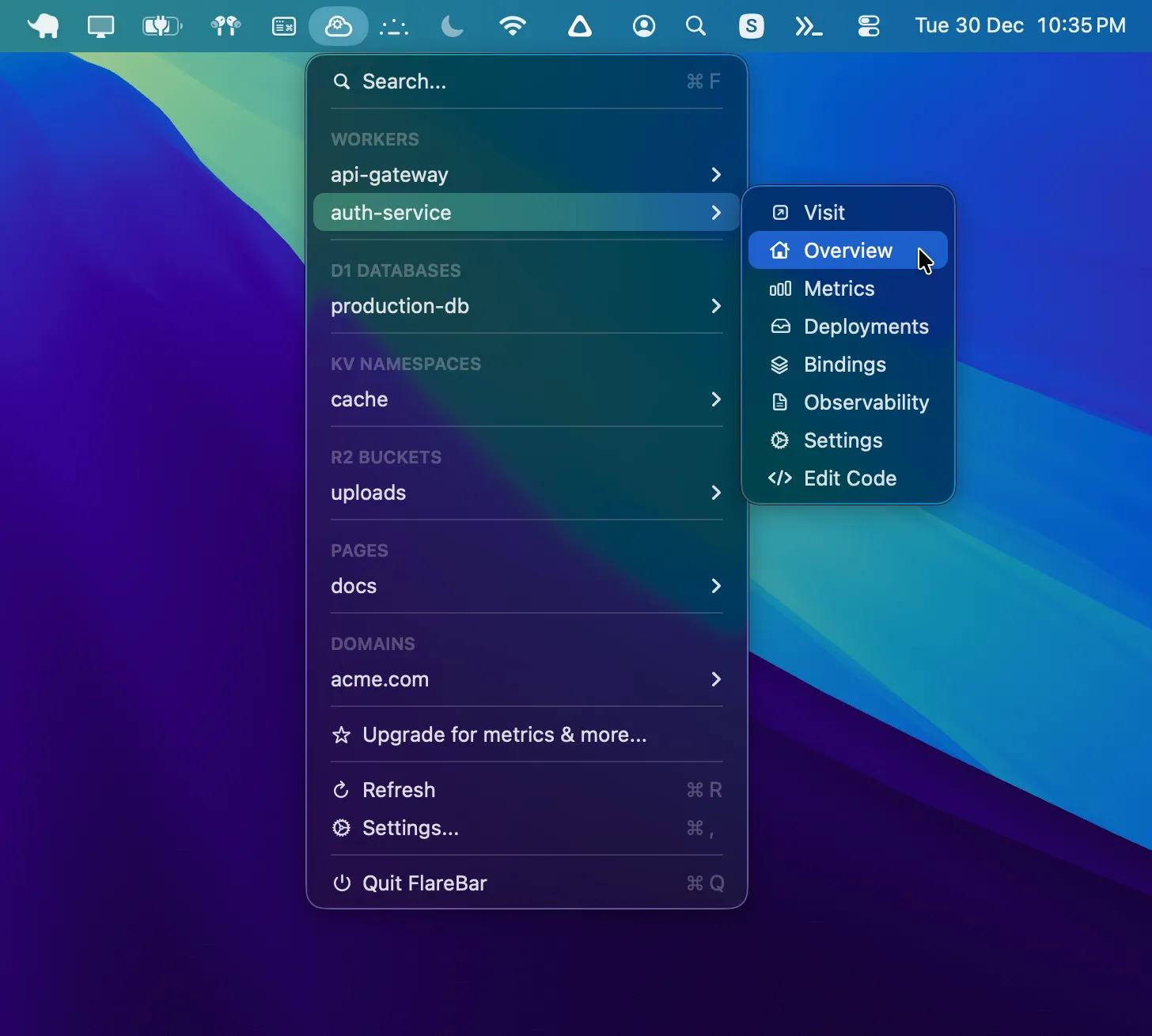
For developers who use Cloudflare
If you manage Workers, databases, or storage and want faster access to the Cloudflare dashboard, this is for you.
Free
- One Cloudflare account
- See all resources
- One-click to dashboard
Pro
Power users- Multiple accounts
- Customize menu order
- View metrics
- Pin favorite resources
Screenshots
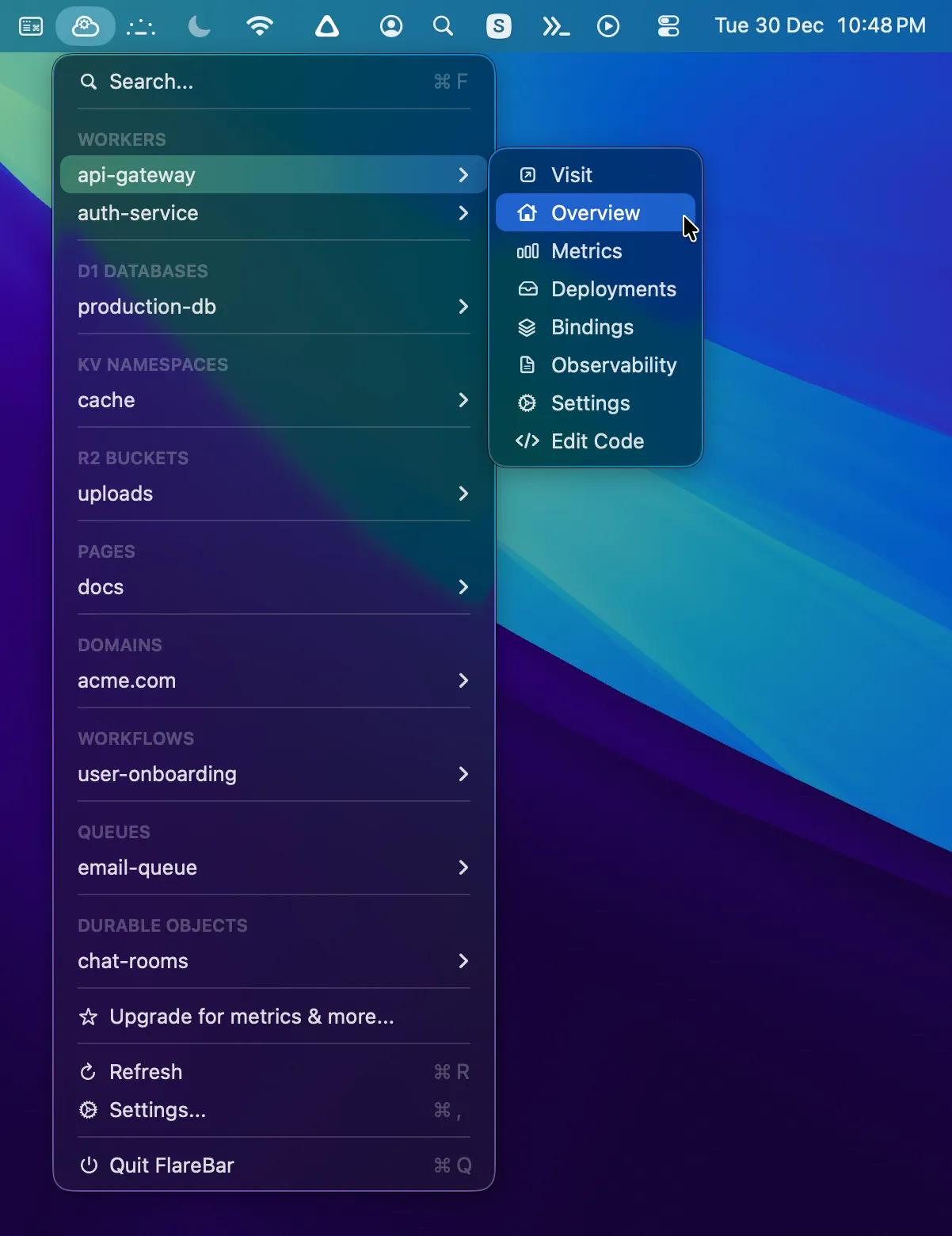
All resources
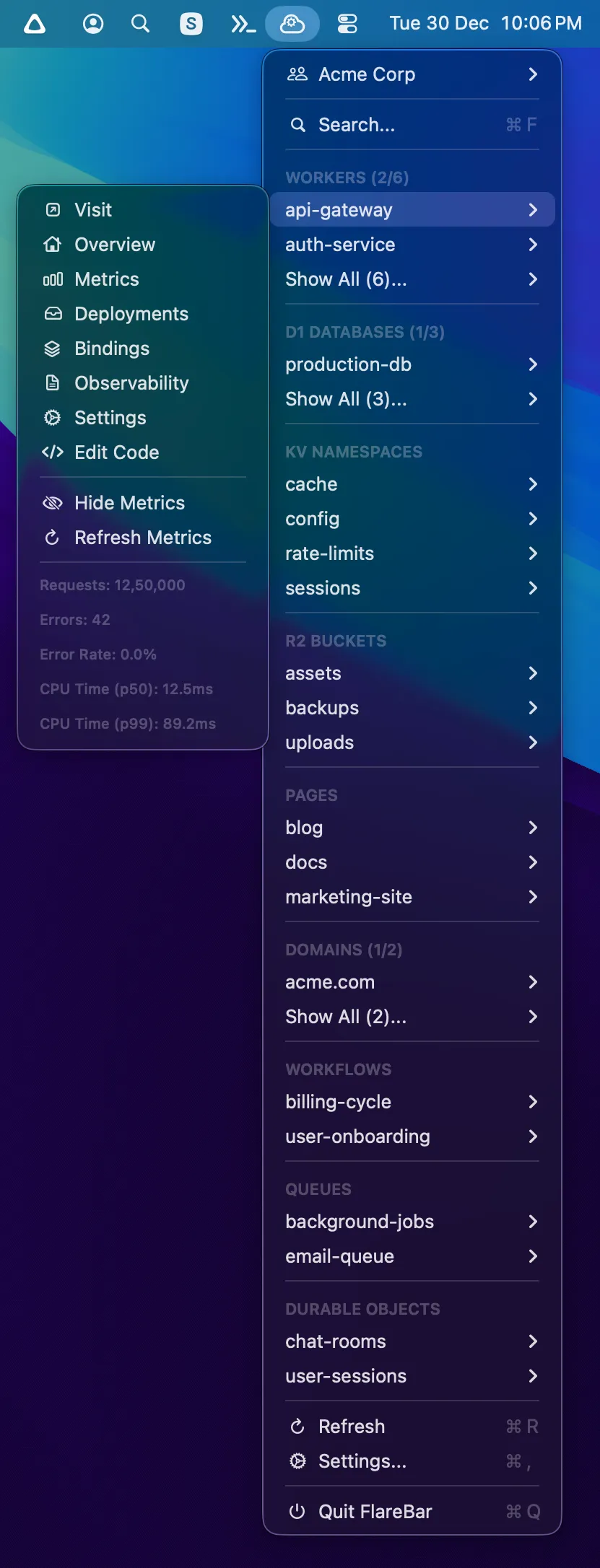
Quick metrics
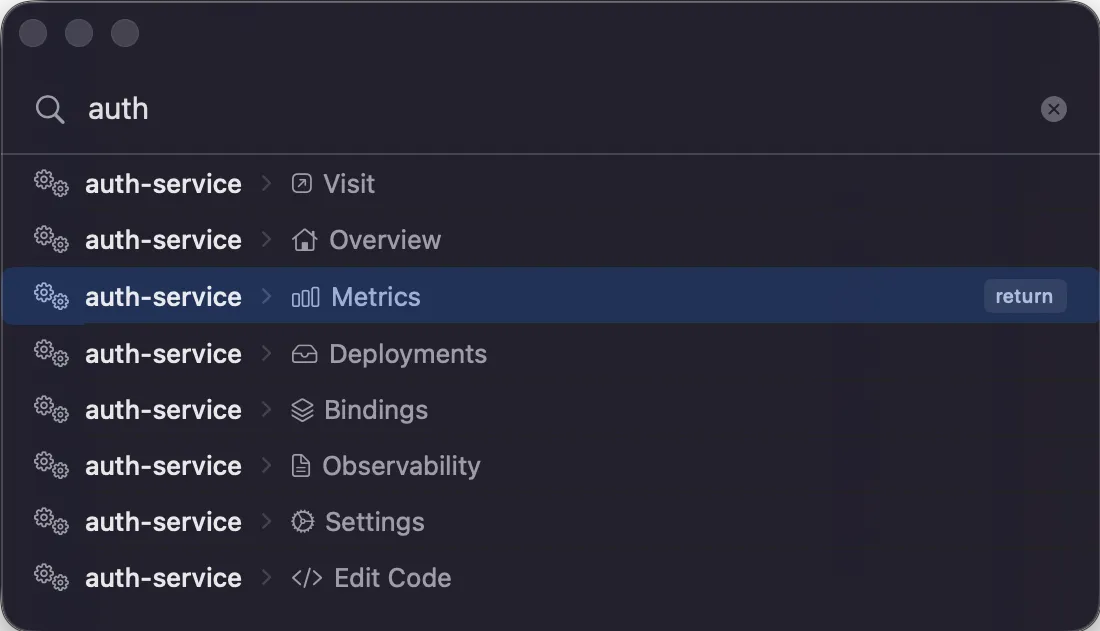
Search
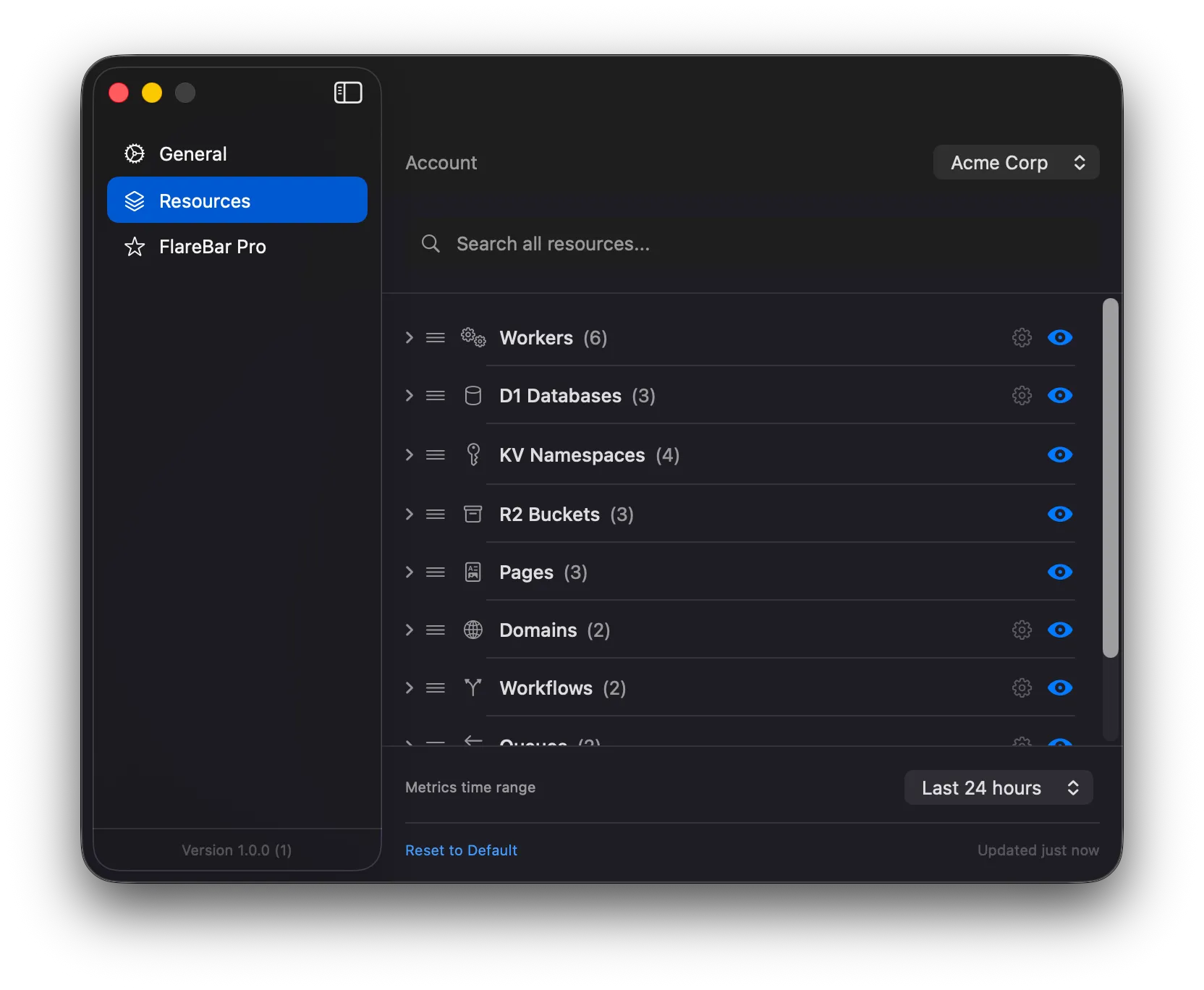
Settings
Features
All your resources
Workers, D1, KV, R2, Pages, Zones, Queues, Workflows, and Durable Objects.
One click to dashboard
Opens the exact Cloudflare page you need in your browser.
Search
Cmd+F to find any resource instantly.
Native Mac app
Built with Swift. Runs in your menu bar.
Pricing
Free to use. Pro for power users.
Free
Get started with the basics
$0
1 Cloudflare account
All resource types
One-click navigation
Search
Offline caching
Pro
For power users
$49 one-time
Unlimited accounts
Resource metrics
Pin favorite resources
Customize menu order
Hide/show sections
Secure payment via Mac App Store
Download FlareBar
Free on the Mac App Store. Upgrade to Pro anytime.
Download on the Mac App StoreRequires macOS 14.0 Sonoma or later